Listings and Variations
Part of Marketplace catalogue and variations
Handling product identifiers during listing creation
A product identifier should help a marketplace connect a listing to the exact item being sold.
During listing creation, find the identifier assigned to the exact item, check which type its category requires, then enter it and verify any catalogue match. Do not borrow a code from a similar product or treat a warehouse stock code as a substitute.
Establish the identifier for the actual item
Marketplace forms may request a Global Trade Item Number (GTIN) or another identifier. GTIN is an umbrella term for formats including GTIN-8, GTIN-12 (UPC), GTIN-13 (EAN) and GTIN-14. A UPC is 12 digits and an EAN is 13 digits; an ISBN identifies a book, while an MPN is a manufacturer part number.
An ASIN is different: Amazon assigns it to products in its catalogue. A valid external identifier such as a UPC or EAN can be used when creating a new Amazon listing, and Amazon assigns a corresponding ASIN. Do not enter an ASIN where the form asks for a UPC or GTIN.
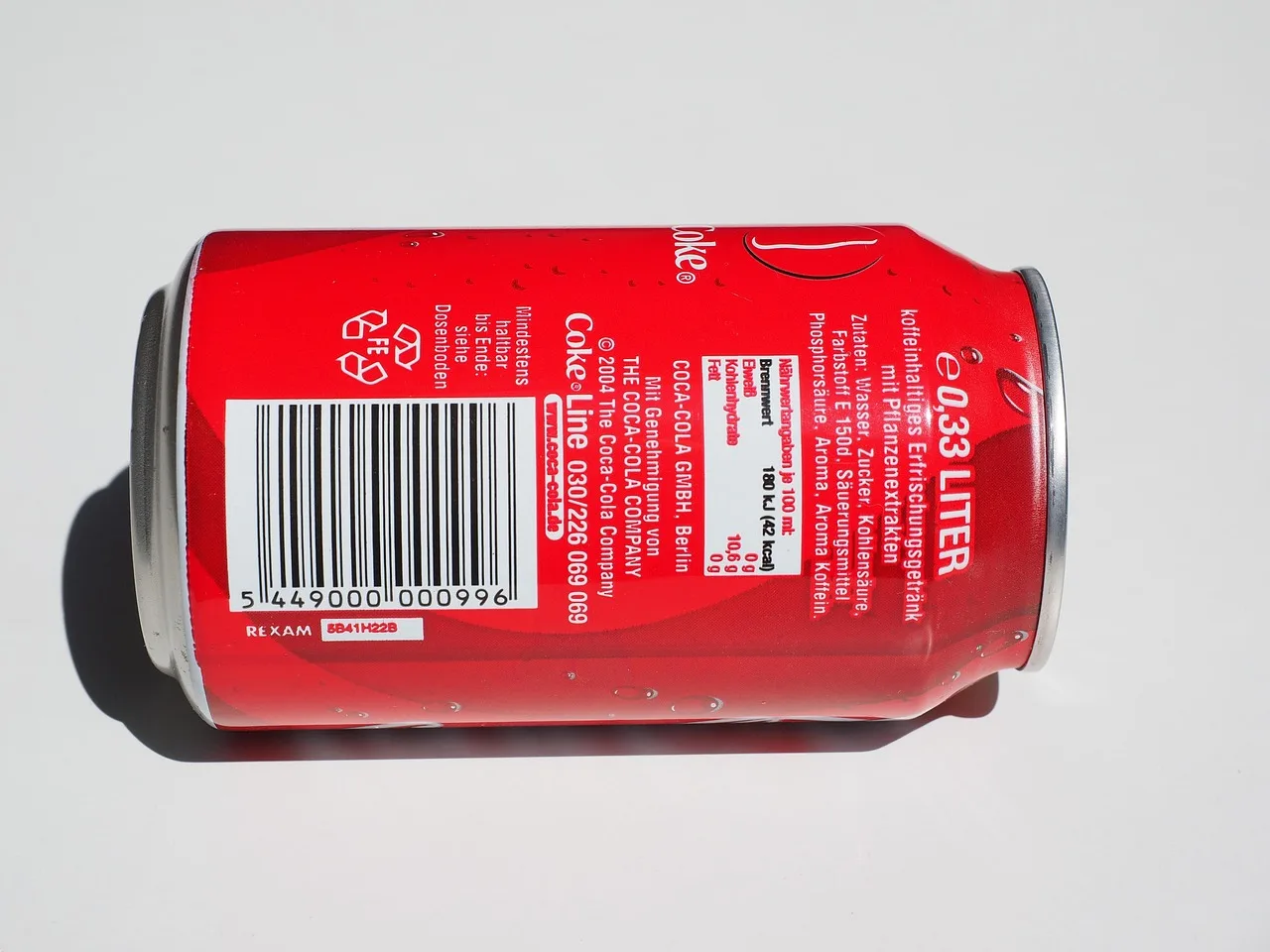
Read the code from the product packaging or manufacturer record. Check that the brand, model, size or capacity, and pack description match the item you will ship. A different pack size or model may have a different identifier.
Use the identifier type requested for the product’s category; eBay says requirements vary by category and apply in most categories. Look for the form’s identifier prompt, such as UPC, ISBN or MPN. An internal seller SKU may help with warehouse tracking, but enter it as the product identifier only if the form requests that type.
Search the marketplace catalogue using the code and inspect the returned title, specifications and included components. On eBay, a match can prefill fields such as the photo and title; accept it only if it describes the exact item. If eBay shows no match, it allows you to create the listing manually.
Handle missing identifiers honestly
Some products genuinely have no standard identifier, such as antiques. On eBay, sellers can select “Does not apply” for a product with no identifier or when they are unsure what it is. Check the live listing form for the category’s requirements and any supported exemption.
If a GTIN is required but none has been assigned, GS1 issues GTINs. Amazon requires UPCs and other GTINs to be obtained directly from GS1. Do not invent a code, copy one from a competing listing or reuse a code assigned to a different item.
If the form rejects a code’s format, check that you selected the requested identifier type and copied the digits correctly from the packaging. Use the expected length as a quick check: UPC/GTIN-12 has 12 digits and EAN/GTIN-13 has 13. Do not add or remove digits to force a code through validation.
If Amazon says a code conflicts with another ASIN, check your own listings and search the catalogue for an exact match. If the ASIN is for the same item, use that exact catalogue match; if you cannot confirm the match, pause and ask Amazon to review the conflict. Do not use the code for a different item.
Check that each sellable package size or version has the identifier assigned to it, and map that code to the correct stock record.
Keep a correction trail
If a supplier changes the packaging or issues a new version, verify that the identifier still describes the item being sold. Keep the evidence and note when you updated the listing. If a catalogue record is wrong, use the platform’s correction route rather than substituting a different identifier.
Before publishing, compare the physical item with the identifier and catalogue details. If the item you will ship does not match them exactly, resolve the mismatch first.
Further reading: Product identifiers (ebay.com).