Listings and Variations
Part of Marketplace product listings
Choosing product images that answer buyer questions
Plan listing images around buyer questions, from the main photo to contents, scale and wear. Check the published gallery for mismatches.
Choose listing images for questions a buyer cannot answer from the title and specifications alone. Start with a clear view of the exact item for sale. Use other images to show shape, contents, details, scale and relevant wear. Every image should agree with the selected version and description.
Plan the sequence around the item
List likely questions before taking photos. A bag buyer may need to see the inside, closure, straps and signs of use. For a boxed set, the key question may be what is included. Photograph those answers instead of uploading several near-identical front views.
A useful sequence is:
- The complete item, recognisable at thumbnail size.
- Other angles that show its shape and construction.
- Close-ups of distinguishing details, labels or controls.
- All included pieces, where the offer is a set.
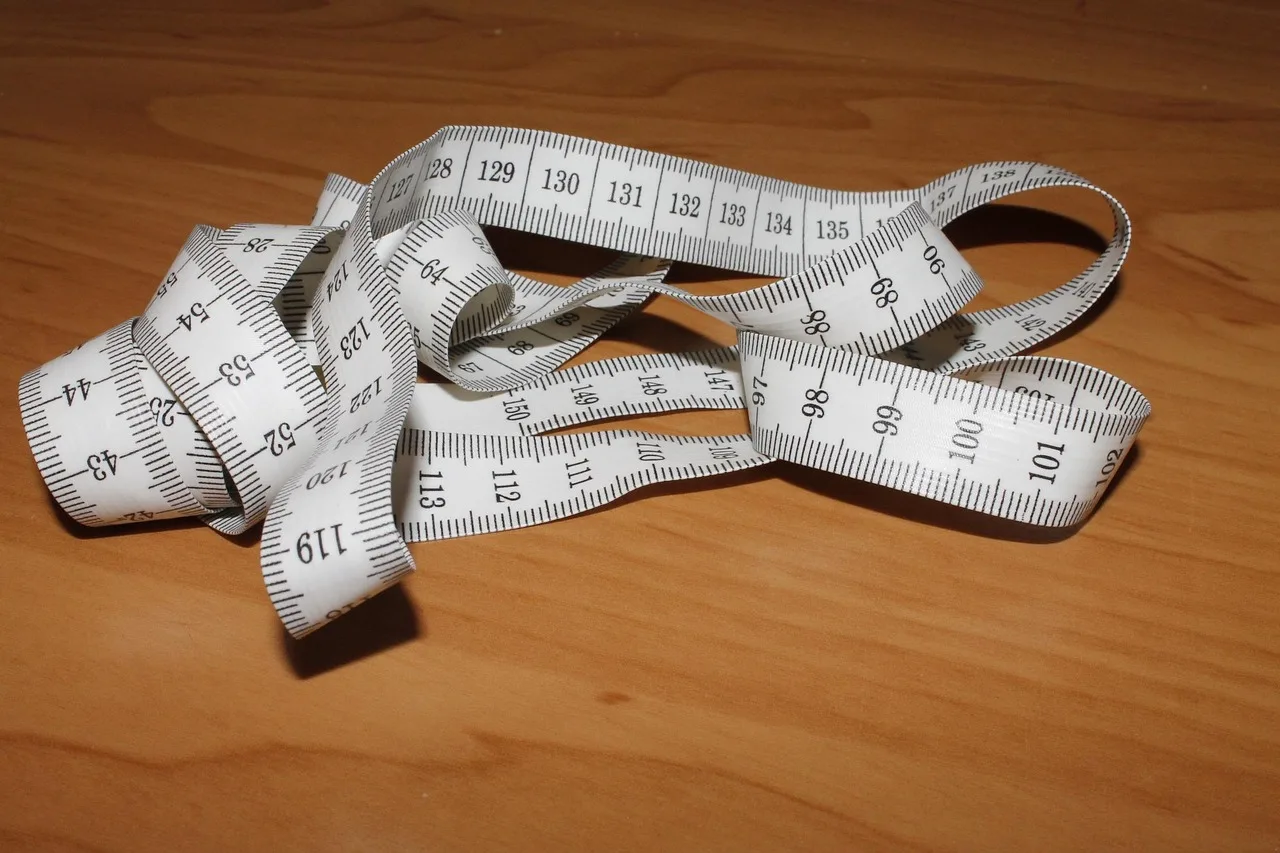
- A scale reference if size is hard to judge, with actual dimensions also written in the listing.
- Scratches, damage or wear that could affect a buyer’s decision.
This is a planning sequence, not a required number of photos. A simple new item may need fewer views than a used or complex one.
Make the first image truthful and usable
Check the main image at thumbnail size. The item should be identifiable, and a crop should not remove its distinguishing feature. Use lighting that lets buyers judge colour and condition without making different photos look like different versions.
eBay's item description policy requires descriptions and images to match, and the selected item condition to match the item and stay consistent across the listing. Amazon Australia advises showing what the buyer will receive, and only that.
Key image requirements by marketplace
- eBay Australia
- Images must match description and selected condition; no misleading visuals.
- Amazon Australia
- Show exactly what the buyer will receive; avoid stock images hiding flaws.
- Etsy (UK/Global)
- Clear, well-lit photos showing actual item; avoid cluttered or staged scenes.
Show what the order contains
A scene can help show how a product is used, but props may make the offer unclear. If a desk lamp appears beside a notebook, make clear which item is sold and state the contents in words.
For a multipack, show and state the number of units. Where the platform permits images for selectable variants, check that each image matches its colour or size.
Do not hide a flaw behind a clean stock image or rely on a short condition note alone. Show the flaw clearly and explain it in the description.
Using props vs. clean backgrounds
- Pros of using props
- Shows realistic use case, helps buyers visualise placement or function.
- Cons of using props
- Can obscure what’s being sold; may confuse buyers about included items.
Check the files and published gallery
Look for blur, glare, misleading colour and stray background items. Confirm that any measurement shown matches the written dimensions.
After publishing, open the buyer-facing gallery. Check the first image, crop, order and selected variant. If a shared product page shows an image that does not match the offer, use the marketplace's supported correction process.
Image quality and accuracy checklist
- Blur or glare present?No
- Colours match real-life item?Yes
- Background items distracting?No
- Measurement shown matches written dimensions?Yes
- First image is truthful and usable at thumbnail size?Yes